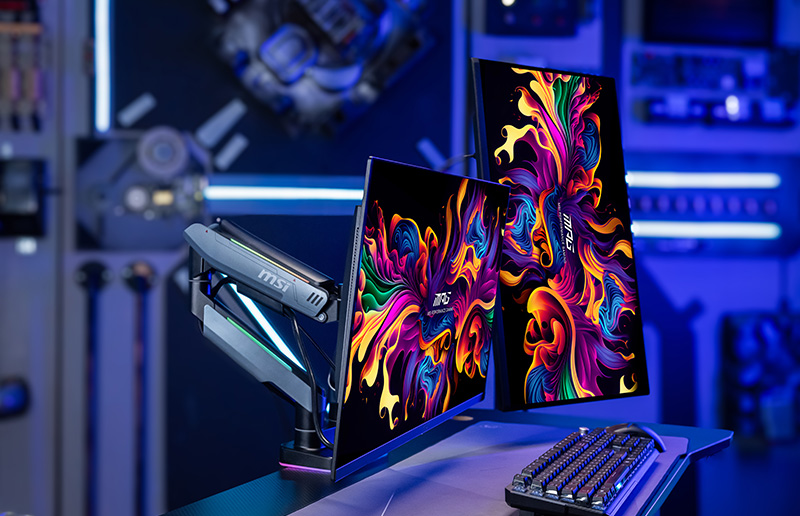
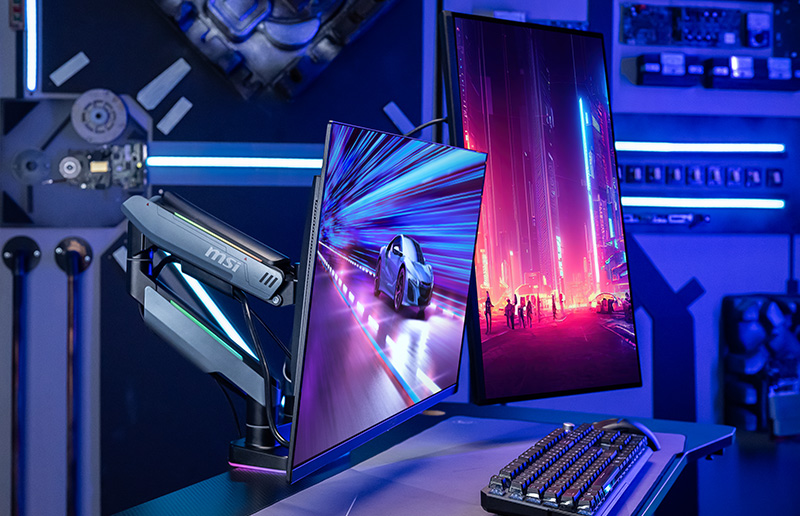
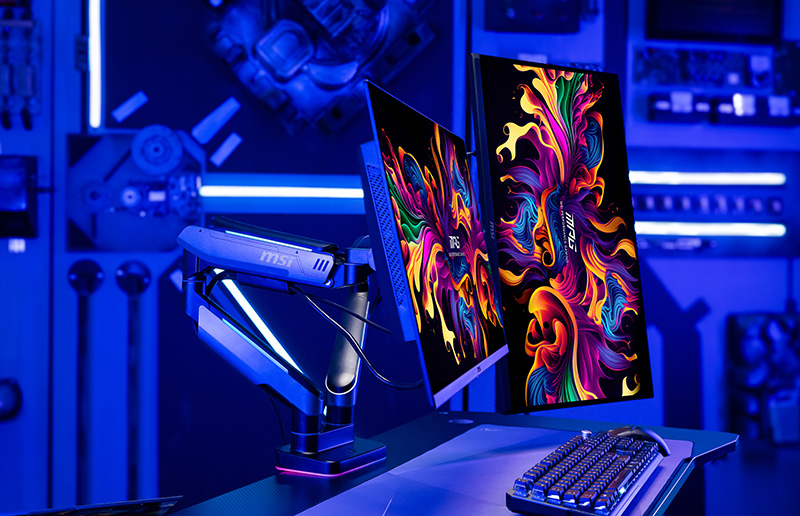
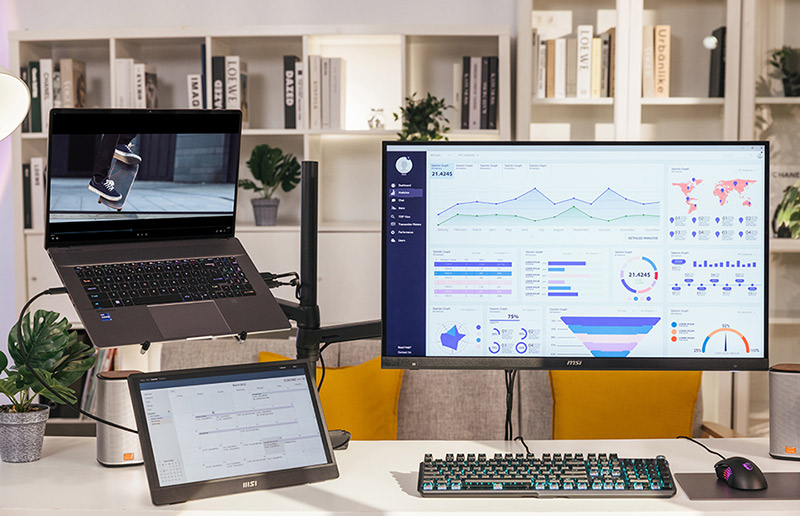
A guide that explores the benefits of multi-monitor setups and covers How to set up dual and Triple monitors

Best Gaming Monitor for Multiple Monitor Setups

Best Gaming Monitor for Multiple Monitor Setups

Everything You Need to Know About Dual and Triple Monitor Setups with Monitor Arms
Why Use Multiple Monitors? Perfect Three Monitor Setup Why Choose MSI Monitors? Setup Guide

Why Use Multiple Monitors?

Whether you are a gamer, streamer, or power user, multiple monitors and monitor arms can elevate your experience like nothing else can. It improves efficiency, productivity, and helps deliver an exceptionally-immersive visual experience.

Gamers

Unmatched Immersion

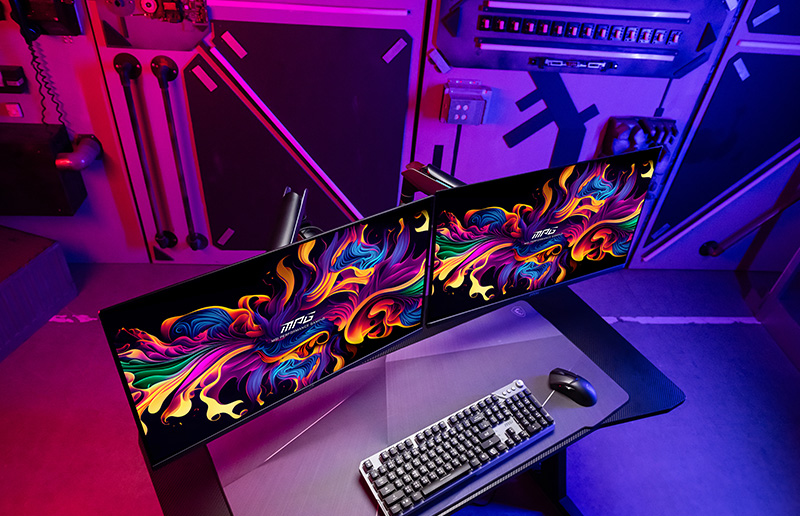
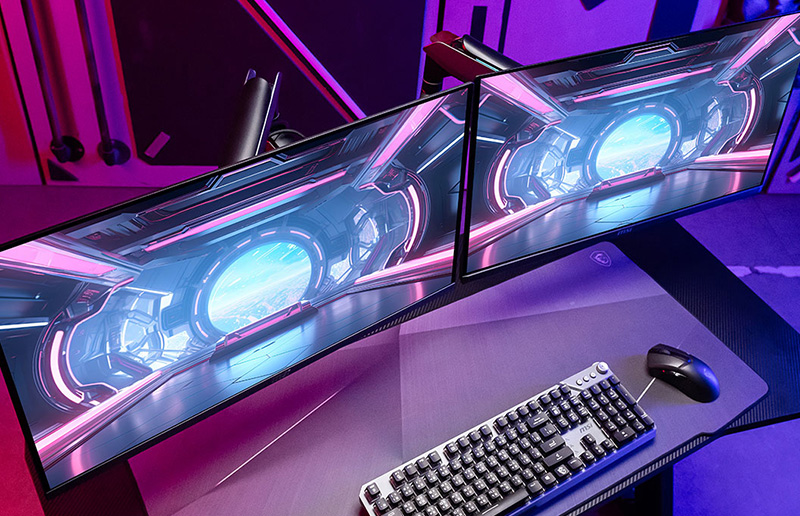
If you're a gamer looking to maximize immersion in modern games with gorgeous open worlds, or playing racing and sim games and feeling in control, a multi-monitor setup is the way to go. It's easy to feel cramped when you want to see all the action around you if you only have a single display. Upgrading to dual or triple monitors allows you to stretch visuals across your entire field of vision for unmatched immersion.

Streamers

Enhancing Audience Interactions

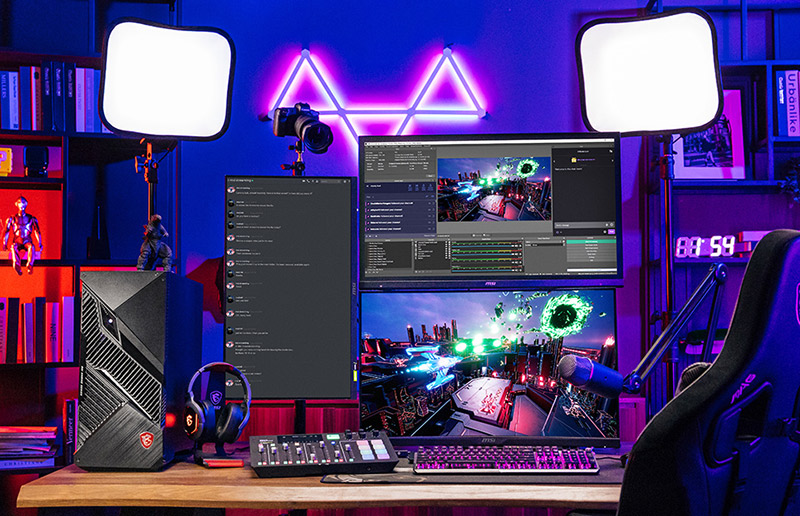
As a streamer on Twitch or YouTube, it's pretty challenging to juggle monitoring the chat and playing your games simultaneously. A multi-monitor setup allows you to better interact with your audience by granting you constant access to chat, donations, or follows. You can finally focus on your game without compromising on interactions with your audience.

Multitaskers

Boosting Productivity

For multitaskers juggling a ton of open browser tabs and multiple apps is a daily affair. However, juggling all those windows and tabs on a single monitor, or even worse, a tiny laptop monitor, is a recipe for disaster and frustration. Connecting your laptop or desktop to multiple monitors helps you expand your workspace and boosts your productivity.

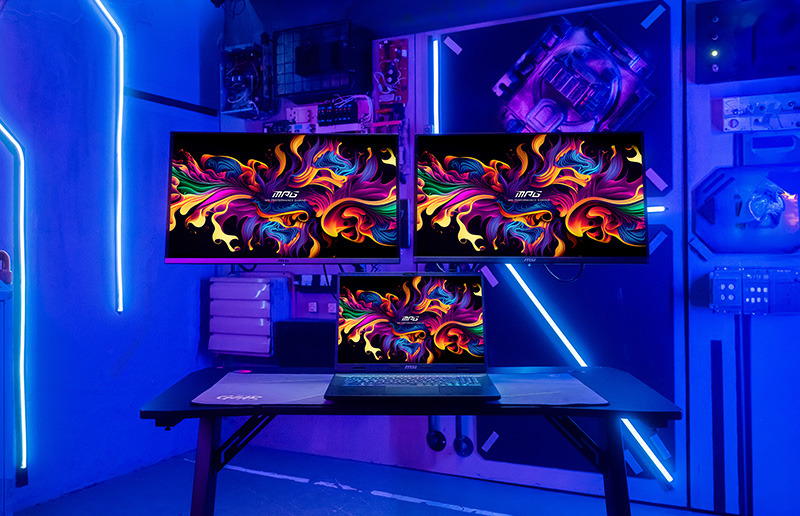
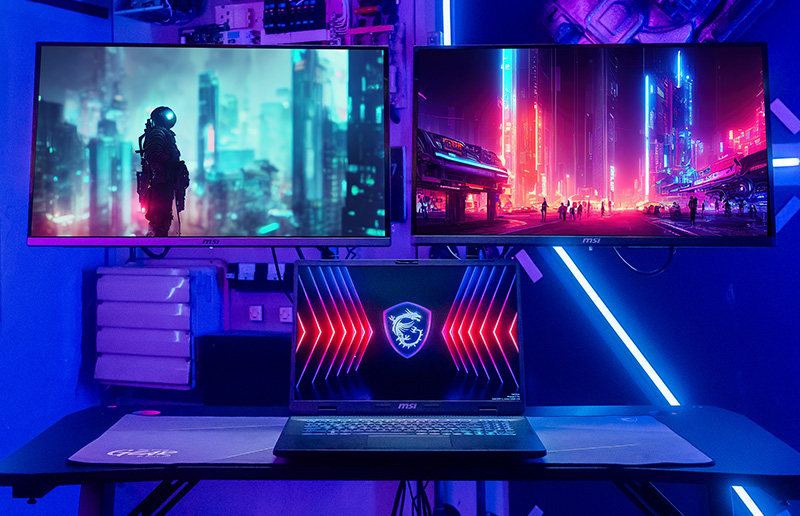
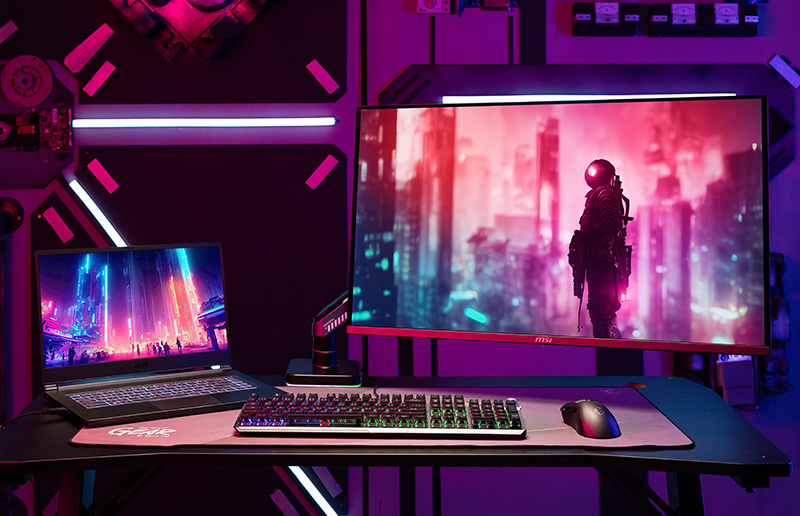
Perfect Three Monitor Setup

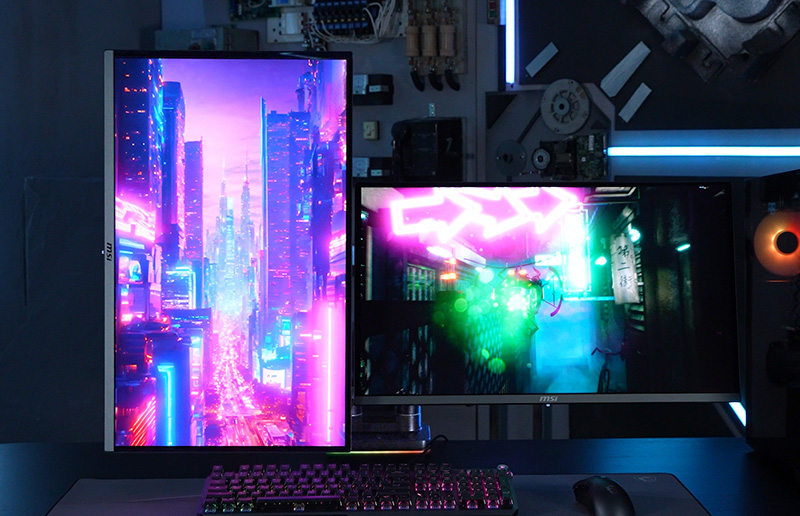
Explore a few multi-monitor setup ideas to find your ideal setup.

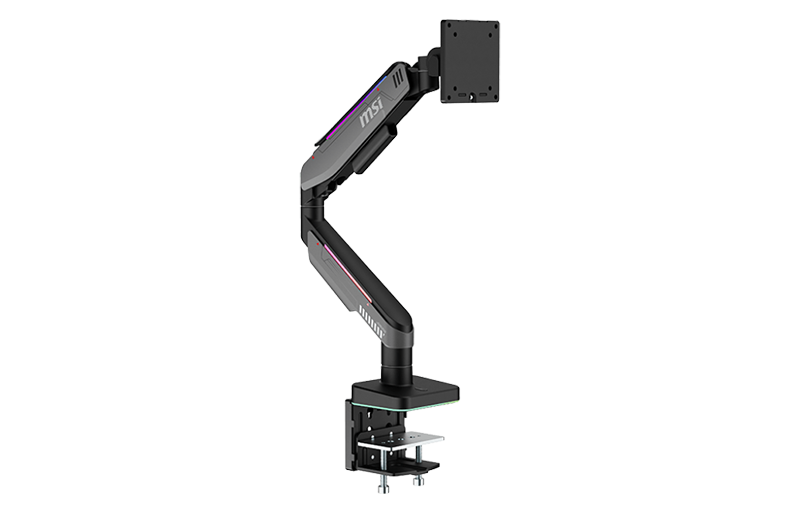
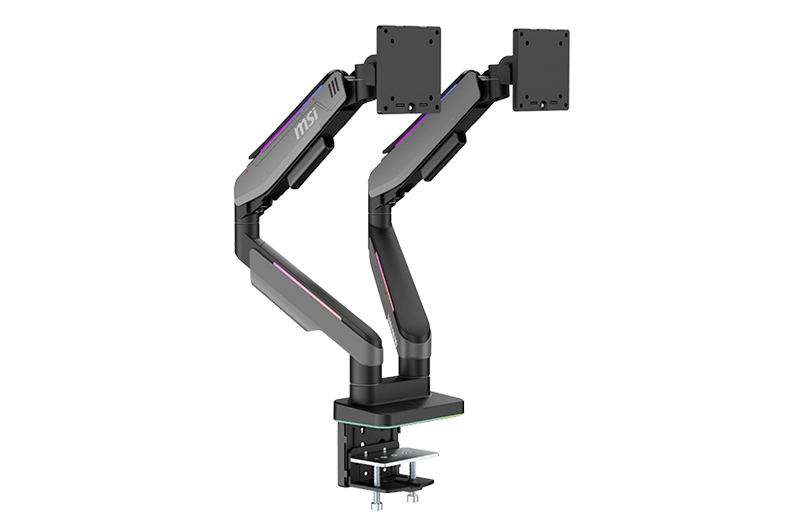
Upgrade Your Setup With MSI and Monitor Arm

QD-OLED Monitor

Monitor Arm

Monitor MPG MT201R

MPG MT201R

LEARN MORE
Monitor PG MT201DR

MPG MT201DR

LEARN MORE
Monitor MAG 275CQRF-QD

MAG 275CQRF-QD

LEARN MORE
Monitor MAG 325CQRF-QD

MAG 325CQRF-QD

LEARN MORE
Monitor MAG 274UPF

MAG 274UPF

LEARN MORE
Monitor MAG 323UPF

MAG 323UPF

LEARN MORE
Monitor PRO MP161

PRO MP161

LEARN MORE
Monitor MAG 274UPF

MAG 274UPF

LEARN MORE
Monitor MAG 323UPF

MAG 323UPF

LEARN MORE

Why Choose MSI Monitors?

MSI Gaming Monitors are equipped with nifty features that help you level up your gaming experience.

Type C Display Out

Built-in USB Type-C ports allow you to connect and charge your devices effortlessly. These ports also boast video output using DP Alt mode and offer up to 15W USB Power Delivery.

I/O Ports

MSI monitors feature a variety of I/O ports - making it easy to connect laptops or desktops to your monitors. This also facilitates hassle-free multi-monitor setups to maximize immersion and productivity.

Adjustable Stand

Adding a second and/or third screen alongside the main screen is invaluable when using different kinds of apps simultaneously. Whether you're tracking chat during a live broadcast or need to scroll through large reference documentation, the 4-way adjustable stand brings unparalleled flexibility to your setup.

1000R Vision

A 1000R curved monitor helps you see more within your natural field of vision as it perfectly matches the curvature of your vision. Not only does this enhance immersion, but it also gives you access to additional screen real estate at the same viewing distance. What's more, if you add a second or third monitor, you'll experience unmatched immersion as game worlds almost entirely envelop your field of vision.

4K UHD

Opting for a multi-monitor setup lets you enjoy an ultra-wide experience without sacrificing high resolutions like 4K (3840x2160). MSI's UHD gaming monitor, for example, features a 16:9 panel that allows gamers to see more of their game than traditional FHD panels, further enhancing immersion.

Gaming Intelligence APP Advantages

The MSI Gaming Intelligence app lets you navigate your MSI monitor's OSD using your keyboard or mouse for convenient access to monitor functionality! It also allows for flexibility in multi-monitor setups to ensure you can fine-tune your displays the way you want.

KVM

A built-in KVM allows you to control multiple devices with a single set of keyboard and mouse connected through your MSI gaming monitor. It's perfect for adding a Gaming Console to your setup or even a work/school laptop that you need to extend when you get home.

Want to own your ideal monitor setup?

Share your #MSIWallpaperChallenge wallpaper with us

DURATION

Aug 24th, 2023 to Sep 29th (ending at 11:59 PM UTC+8)

How to Win the prize?

Unleash your creativity and design captivating monitor wallpapers to showcase on your social media platform. By doing so, you'll have a chance to win MSI's latest gaming monitor and a DisplayFusion Procode, allowing you to fulfill your dreams of a multi-monitor setup

  • Step 1: Get the wallpaper template on Google drive
  • Step 2: Choose the monitor setup which you want to create
  • Step 3: Complete the wallpaper and share on Instagram with hashtag #MSIWallpaperChallenge​
  • Step 4: Mission completed.

Stay In Touch

Fill out the following form to get the latest MSI gaming monitor information from us.