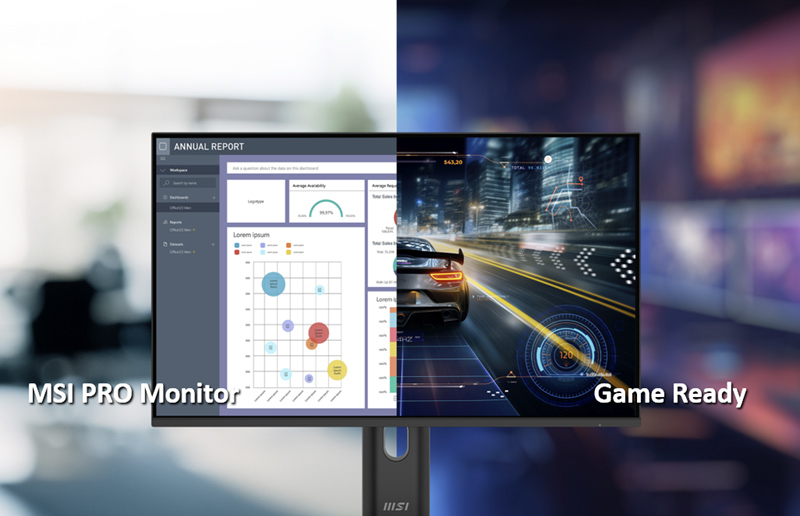
MSI PRO Monitors: Designed for Work, Ready for Gaming
Monitors
In today’s fast-evolving world, people are no longer defined by a single role. Instead, they are driven by curiosity, eager to explore a diverse range of passions. Someone might be an office worker by day and a designer by passion. After work, they could be a skilled gamer, and on weekends, an outdoor adventurer, pushing their limits on mountain trails. Technology evolves with human ambition. Once, phones were merely tools for communication—now, they’ve become powerful hubs for every aspect of life.
At MSI, we believe a monitor should do more than just display images. It’s the command center that powers your world, seamlessly connecting work, creativity, and entertainment. They seamlessly connect every part of your life—bridging work and play, all through one screen.
MSI PRO Monitors: Work Hard, Play Hard
MSI PRO Monitors aren’t just designed for productivity—they’re also built to satisfy your gaming needs during downtime.
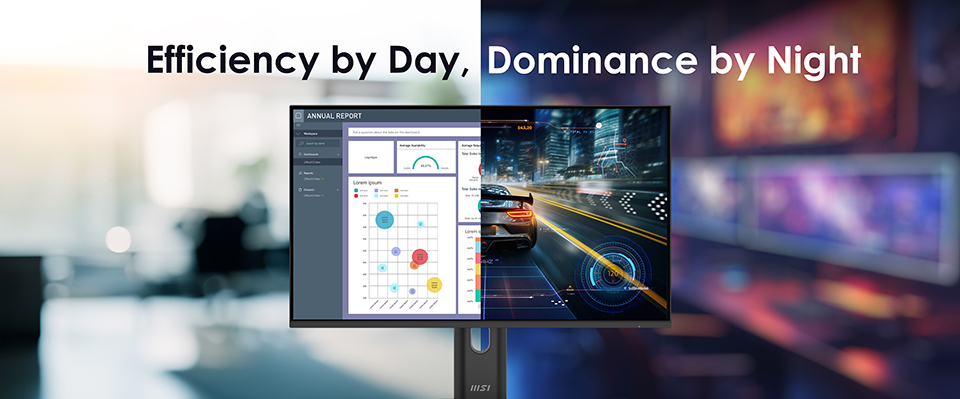
Let’s start with refresh rate. We’ve previously highlighted how a high refresh rate can enhance productivity by delivering smoother visuals, reducing eye strain, and promoting better eye health. Now, MSI takes it a step further by pushing the refresh rate up to 144Hz—a number well-known in the gaming world.
Compared to work tasks, gaming demands faster, more intense visuals. With 144Hz, you’ll enjoy ultra-smooth motion, allowing you to track every detail with precision, whether it’s spotting an enemy in fast-paced action or enjoying seamless gameplay. Additionally, MSI PRO Monitors also support Adaptive-Sync—a technology designed to eliminate screen tearing by synchronizing the monitor’s refresh rate with the game’s frame rate.
With 144Hz refresh rate, Adaptive-Sync, and a vibrant IPS panel, you can enjoy smooth, tear-free, and vivid visuals—perfect for immersing yourself in your favorite games after a long day of work.
The Powerful Features For Productivity
1. KVM
Some MSI PRO Monitors are packed with features designed to boost productivity. One standout is KVM.
But what exactly does a monitor with KVM bring to the table? It lets you effortlessly switch your keyboard and mouse between multiple devices. Simply connect your devices—USB-B for one, Type-C for the other—and plug your keyboard and mouse into the monitor. No need to constantly unplug and replug cables. You can seamlessly switch control with just a few clicks, streamlining your workflow and maximizing efficiency.
2. Power Delivery
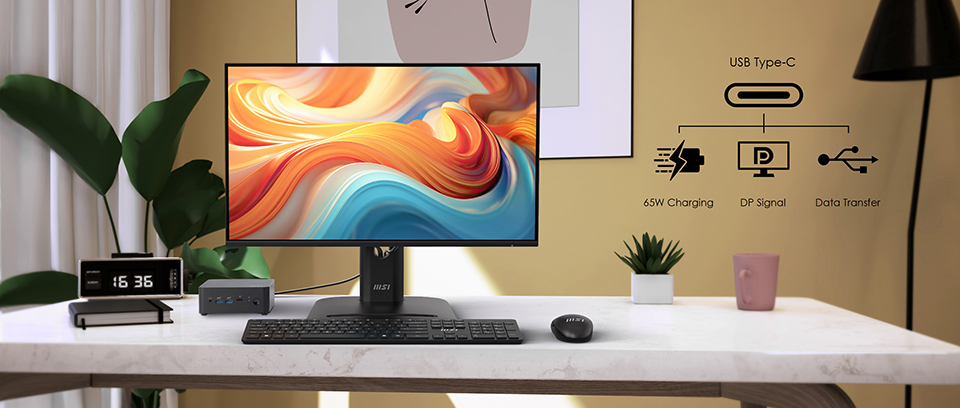
Some MSI PRO Monitors, like the PRO MP245PHG E14, go beyond just displaying visuals—they also keep your devices powered up. Thanks to USB Type-C, you can enjoy up to 65W power delivery while transmitting a signal at the same time. Whether it’s your laptop, smartphone, or even a handheld gaming device, charging is simple and efficient.
With just one Type-C cable, you unlock display, charging, and KVM switch functionality—all at once. It’s a cleaner, smarter setup that reduces cable clutter, simplifies your workflow, and helps you stay focused on what truly matters: your work.
Features Support List:
-
PRO MP245PHG E14
PRO MP243W E14
PRO MP245PG E14
PRO MP275PG E14
KVM
O
X
X
X
Power Delivery
O
X
X
X
EyesErgo
O
O
O
O
Eye-Q Check
O
O
O
O
Accessory Slot Design
O
O
O
O
Mini-PC Mountable
O
O
O
O
144Hz
O
O
O
O
Adaptive-Sync
O
O
O
O